There's no move button for decorations in Wild West Pioneers. To reposition one, hover your mouse over it until it highlights, press DEL (the default delete key), then place a new one where you want it. The developer confirmed the delete prompt on Steam in September 2026.
How do you delete a decoration?
Hover until it highlights
Point the mouse at the decoration and hold it there until the object is highlighted. You don't click to select it first; players who tried clicking couldn't select it at all.
Press DEL
With the decoration highlighted, a key prompt to delete it appears. Press DEL (or whatever you've rebound delete to). One player didn't notice the prompt at first even though it was there, so look again if you think it's missing.
How do you "move" one, then?
Delete it, then place a new one from the decorations menu. In placement mode, Q and E rotate the object and ESC cancels, so you can line it up before confirming.
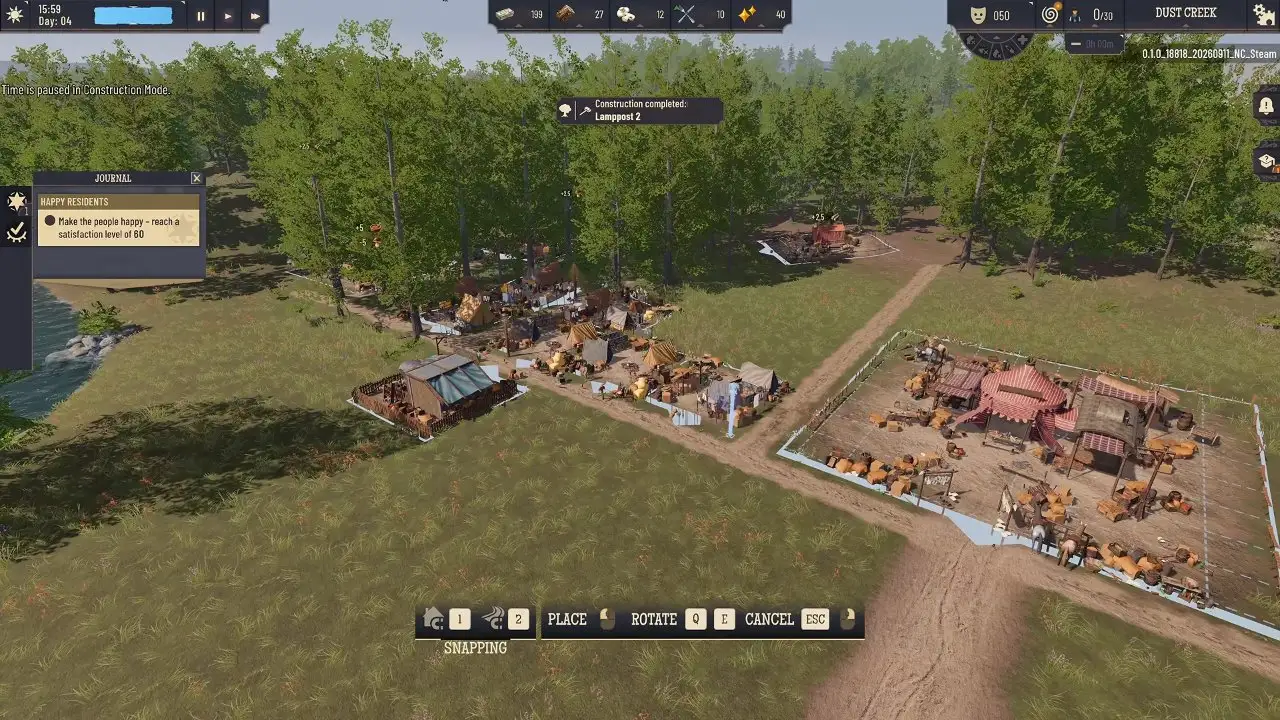
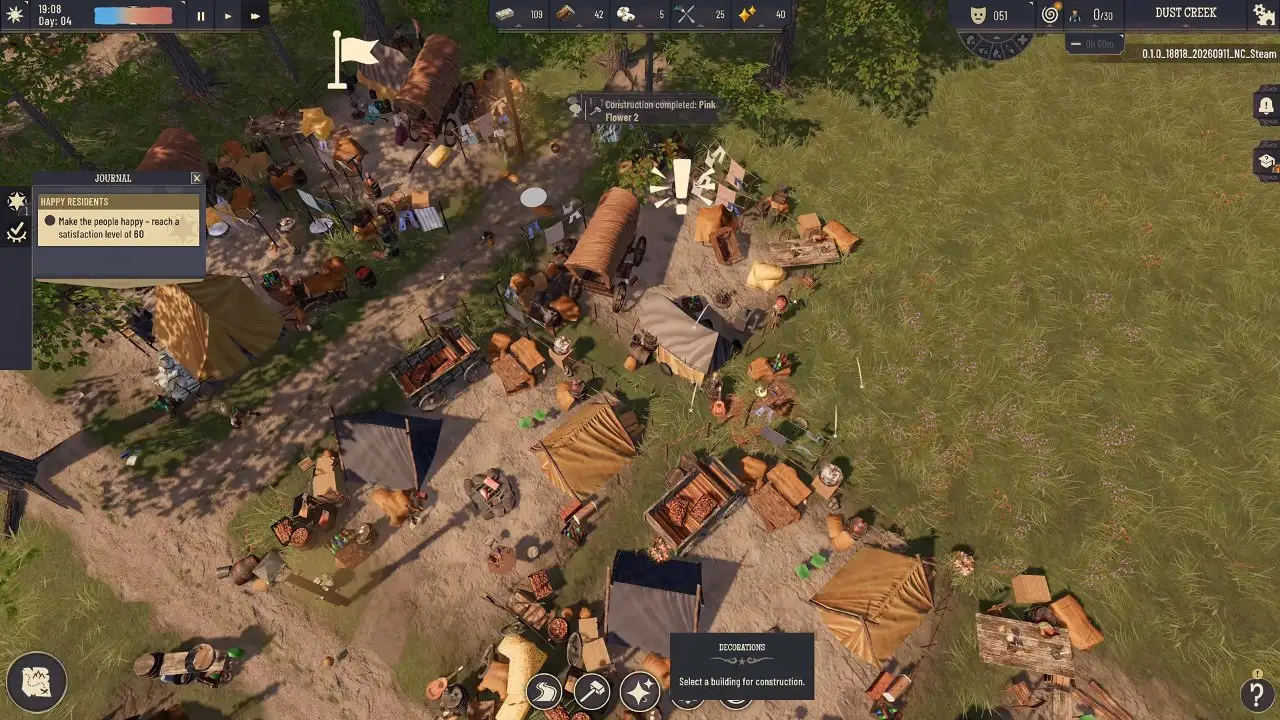
Before you place it, check the requesting home's range. Decorations only fulfil a home's wish when they're inside that home's range, which is usually why people want to move one in the first place. One player placed a bench across the road from a house, wasn't sure it was close enough, and only then checked the house's range. Select the home first to see its range, then place the decoration inside it.
Which decoration should go where?
Match the category the home asks for: a structure (scarecrow, cart), a light source (lantern), an animal (cat, horse) or furniture. The full list of wishes and how to reveal them is in How to Keep Settlers Happy.
Tents already come with some decorations of their own. More decorations are unlocked by finding them at scouting locations, so you may get new options later; see the Scout Hut guide.