Quick answer: To return scouts to the settlement in Wild West Pioneers, select the scout avatar or expedition on the world map, then right-click your settlement and choose Send Scouts. You can also select the expedition and use its send back arrow. If they do not move, unpause the game. Scout order; send back arrow; pause fix.
Players also call it How to get scouts to return, Cannot bring expedition back home..., or Trouble sending scout back to settlement? SOLVED, as in these Steam discussions, expedition question, and scout question.
Quick facts
- Where: World map, with the scout avatar or expedition selected. Player reply.
- Return order: Right-click the settlement and choose Send Scouts. Player reply.
- Alternative: Select the expedition and use its send back arrow. Player reply.
- If it stays put: Check whether the game is paused. Resolved report.
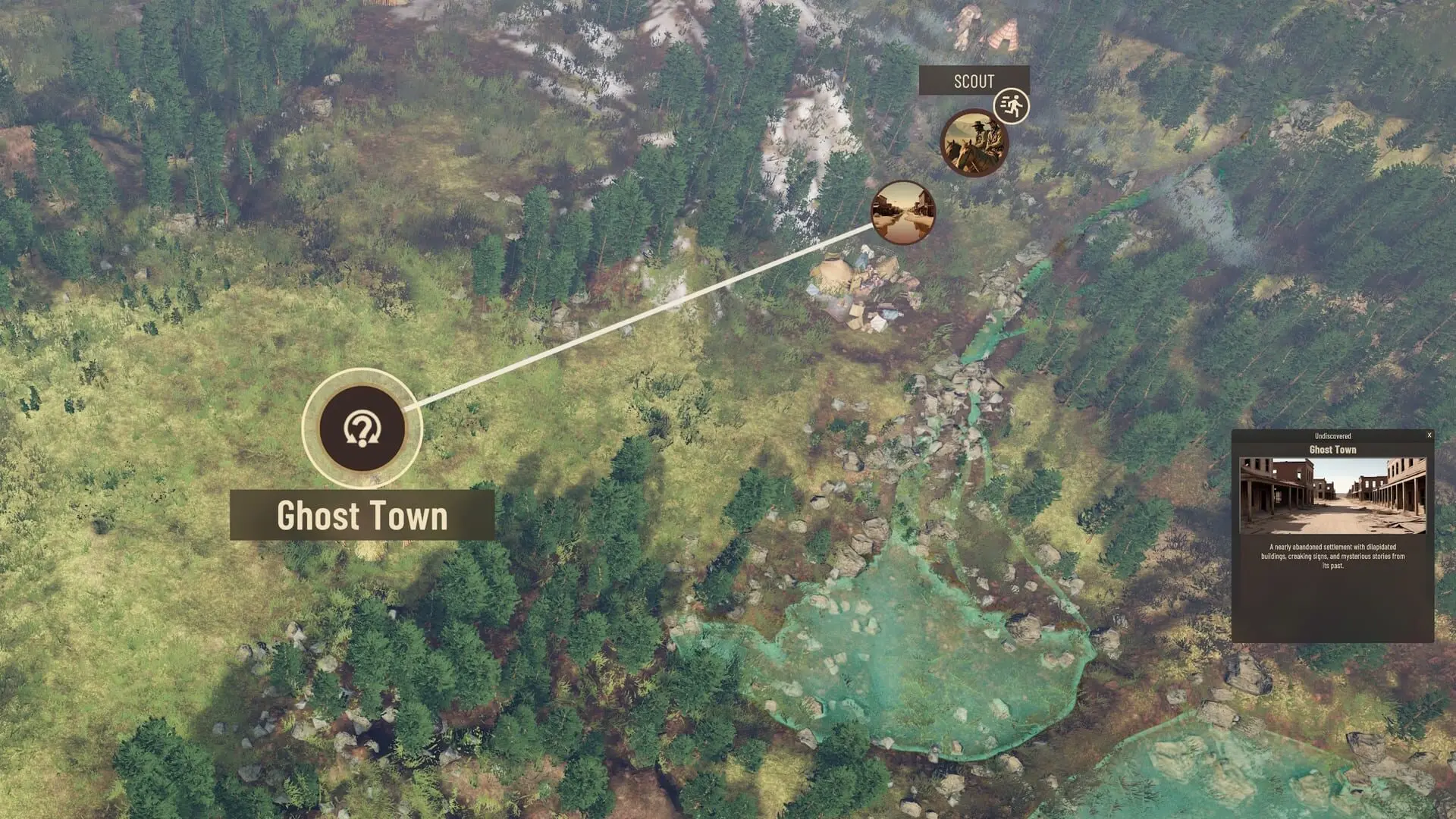
Send scouts home
Select the scouts
Give the return order
Let the expedition move
If Return to Settlement only closes the world map, select the scouts first and use their return order. A player reported that the settlement button shown without scouts selected took them out of the map instead of sending the team home. If the team still does not move, check the pause state. Button report; pause fix.
FAQ
Related
- How to Unlock the Scout Hut — Set up the scouting expedition before sending it home.
- How to Distract the Dog at Blackbark Ridge — Read the separate Blackbark Ridge puzzle guide.
- How to Find and Interact With the Mole — Read the separate mole quest guide.